

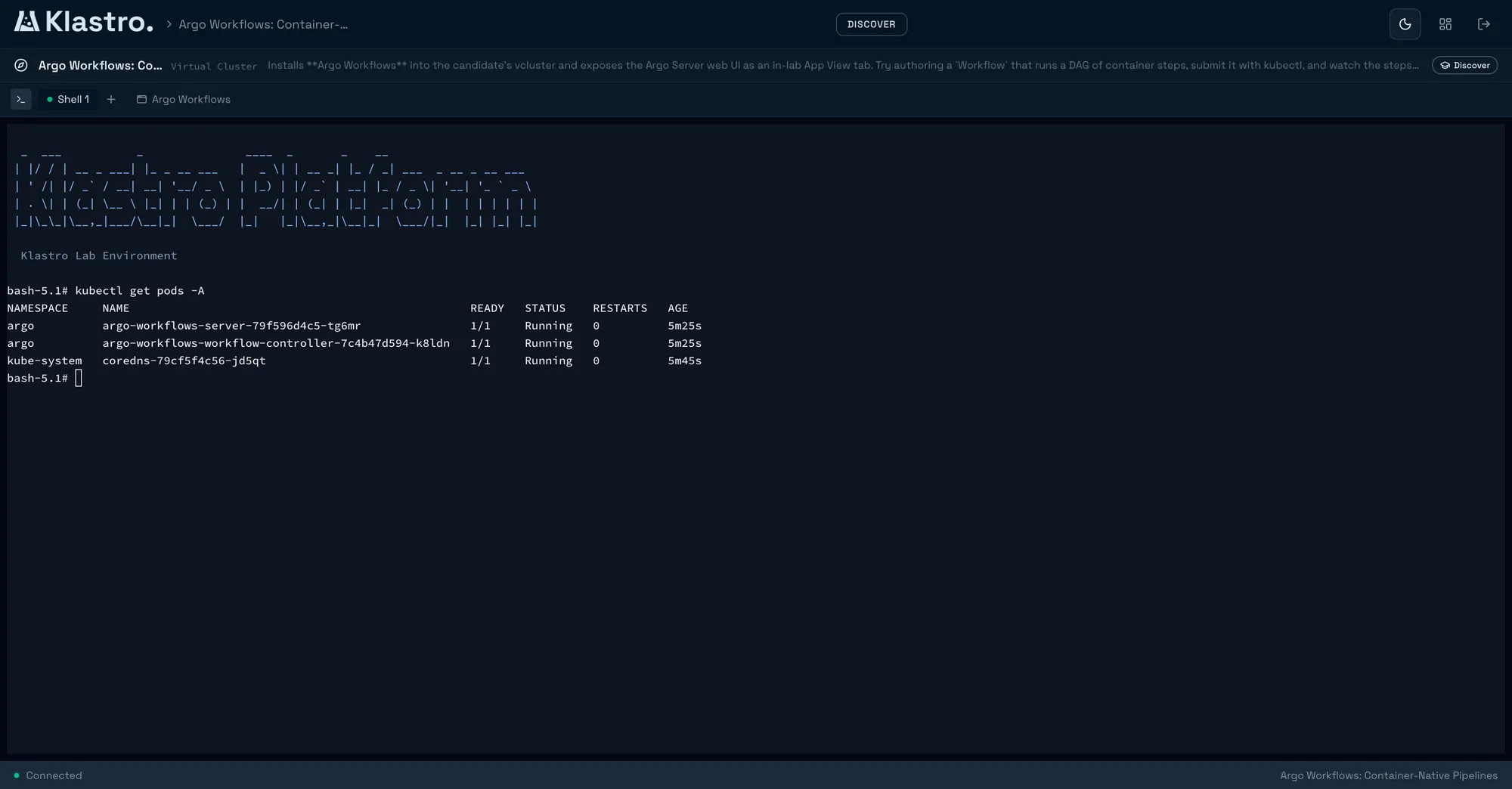
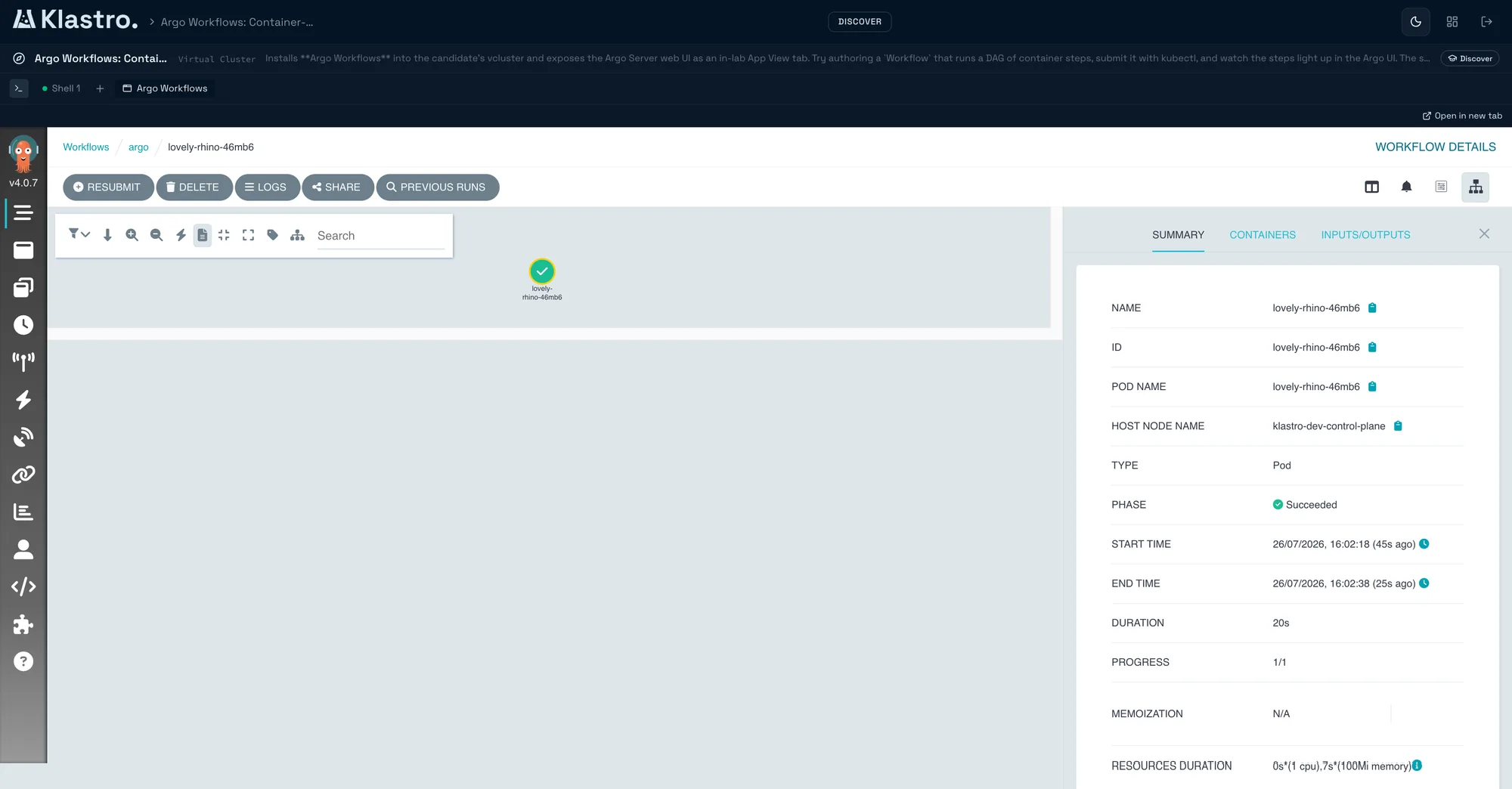
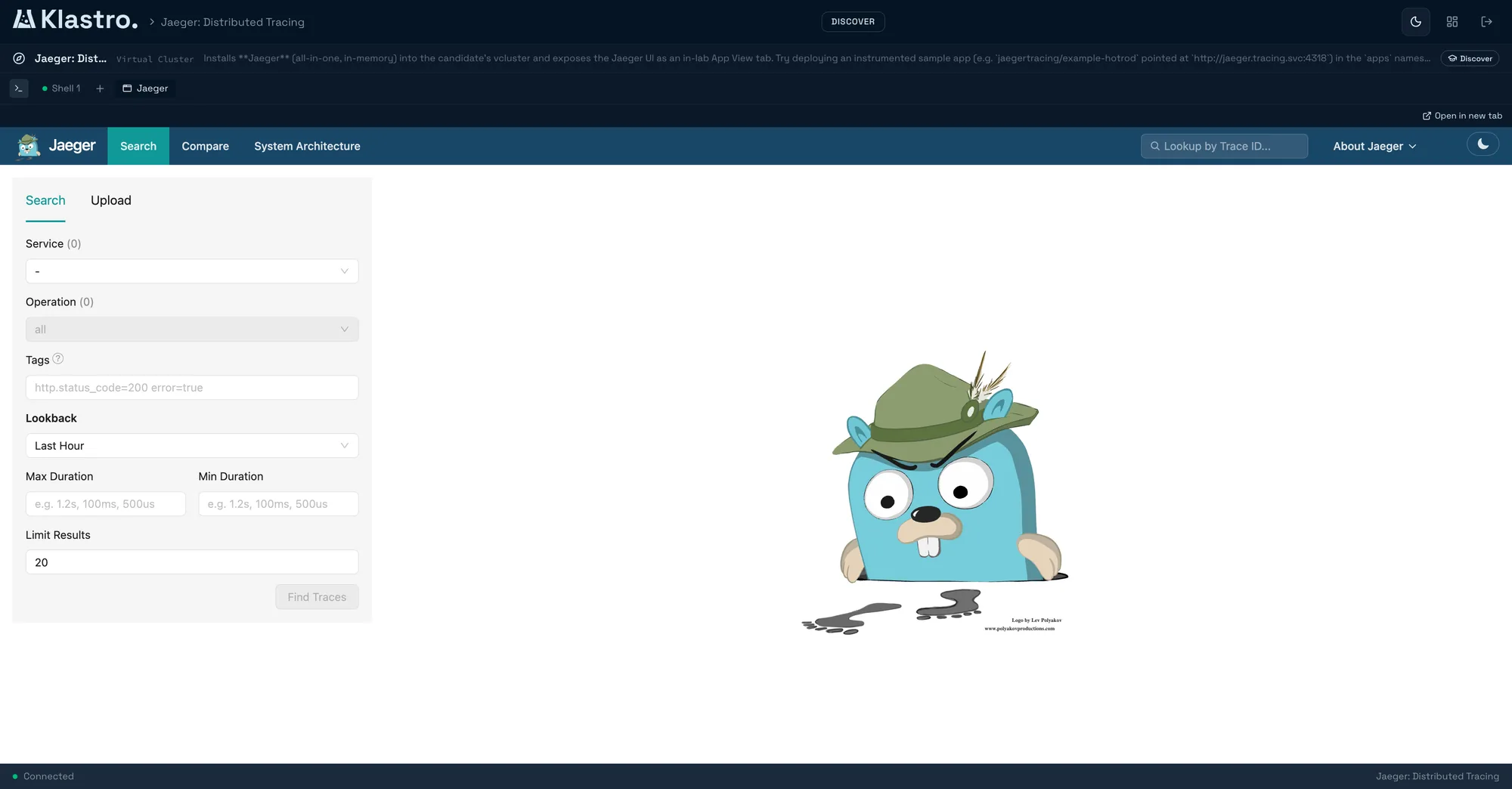
Guided, hints are free
Tutorials
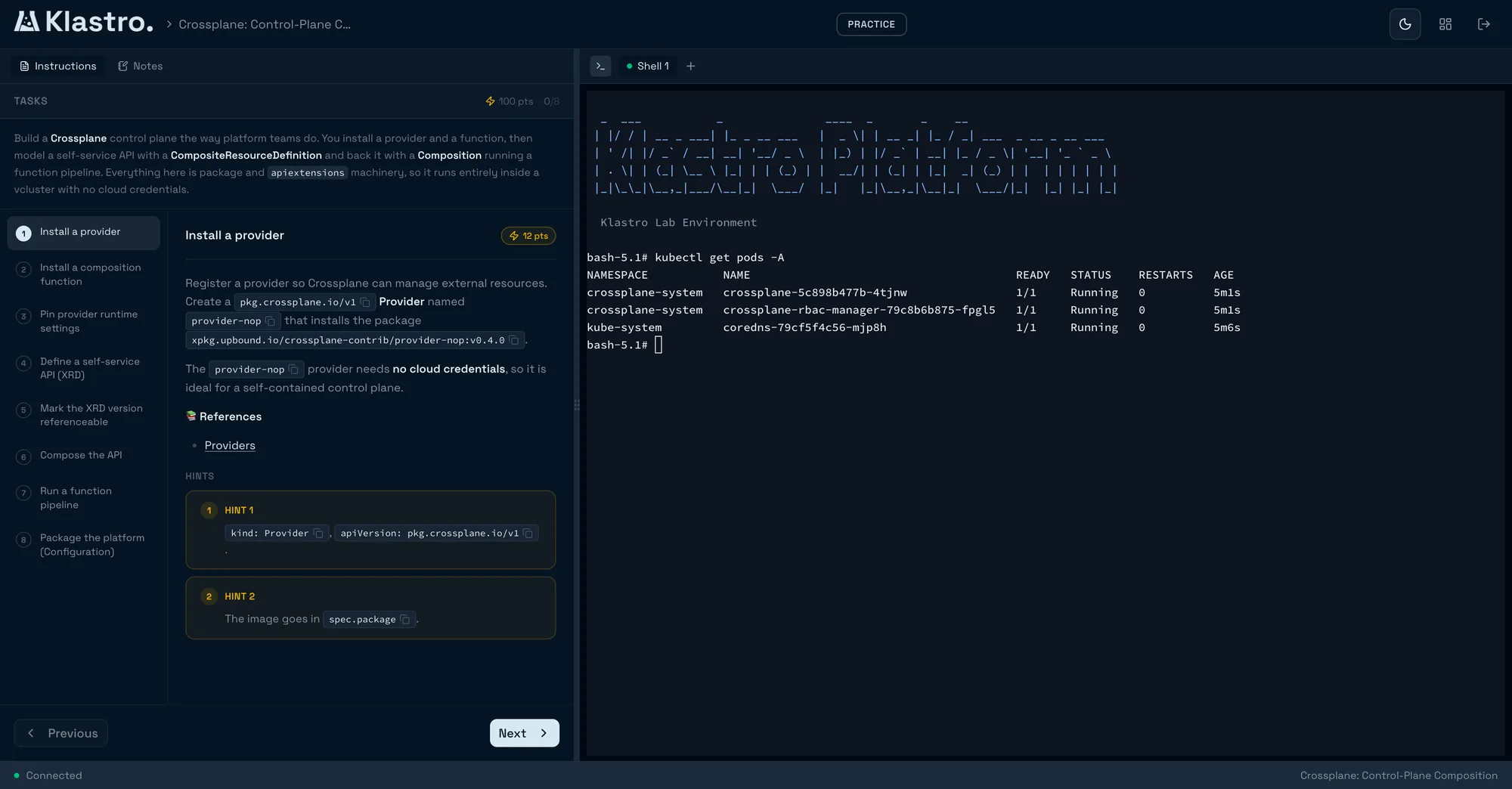
A step-by-step path, with notes and the editor open beside the terminal. To learn something new without getting stuck.
- Progress is saved
- Hints cost nothing
At launch
Klastro starts an isolated Kubernetes cluster in seconds. You do the work inside it, and your result is graded automatically.
The technologies you actually operate during a session
Why Klastro
An engineer picking up Kubernetes has two unsatisfying options. Quiz platforms confirm they memorised the syntax of a manifest, never that they can bring a cluster back up. Demo labs lend them a terminal for twenty minutes and grade nothing: they leave without knowing whether they got it right.
The same gap exists in hiring. A technical interview ends on an impression, or on an algorithm exercise that says nothing about diagnosing a pod that refuses to start. Teams hiring cloud-native engineers know this, and work around it with homegrown tests that are slow to write and impossible to compare between candidates.
Those are two symptoms of one hole: there is no real, disposable infrastructure that a machine can grade. Klastro is that engine. It brings up a dedicated cluster in seconds, lets someone work in it without a safety net, then reads the cluster’s actual state to establish what is done and what is not.
A disposable cluster, graded on its real state. Learning and assessing are then just two ways of looking at the same session.
The category
Klastro sits at the intersection of the two: real isolated infrastructure, work that is graded automatically, and a single engine that serves both training and hiring.
| Real, isolated infrastructure | Quiz platforms | Demo labs | Klastro |
|---|---|---|---|
| Real, isolated infrastructure | – | ||
| Automatic, reproducible grading | – | ||
| Live supervision | – | – | |
| Per-session network isolation | – | ||
| One engine for training and hiring | – | – |
Klastro handles the infrastructure. What is left is the work itself.
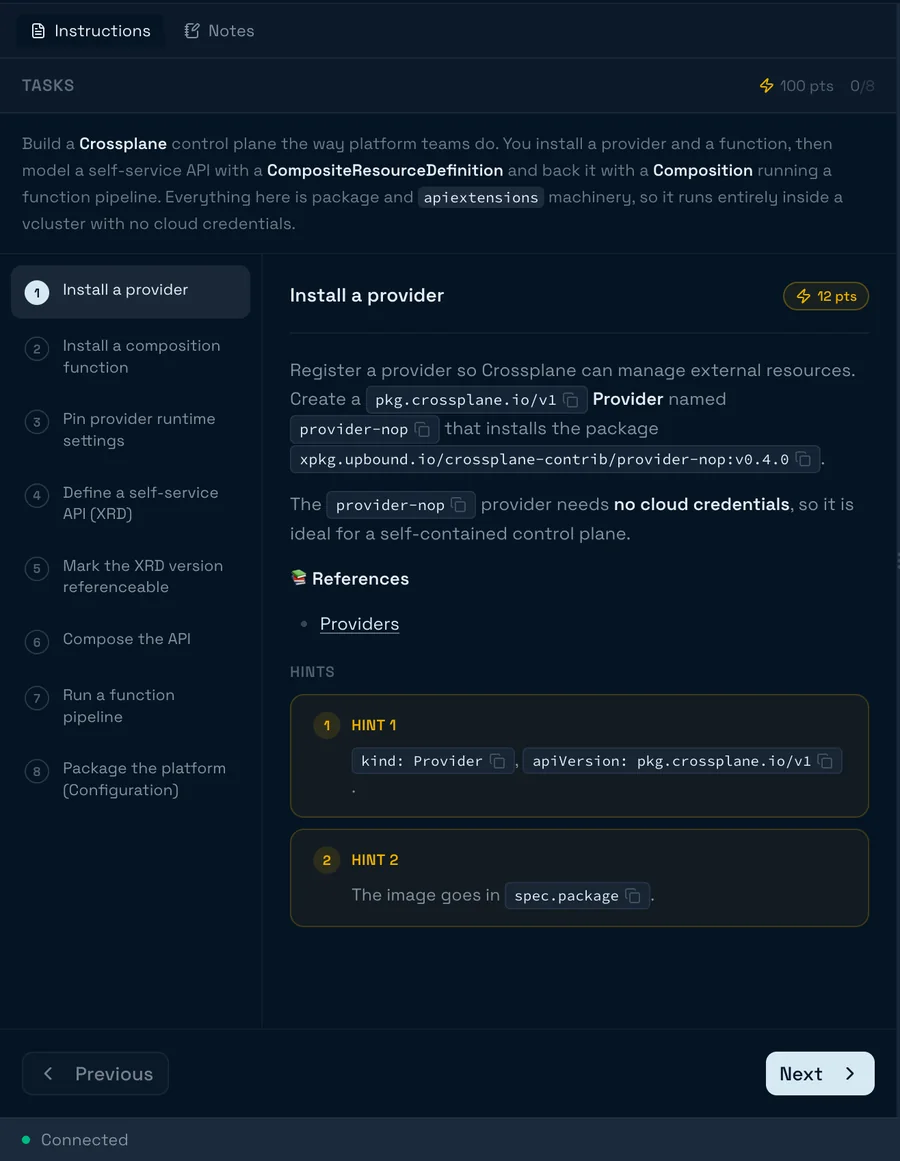
A catalogue of cloud-native scenarios, or your own. Each one defines its environment type, the tasks to complete, and the validation rules that grade them.
A dedicated cluster starts in seconds. Terminal, editor and notes open in the browser. Nothing to install locally.
Validation rules run against the real cluster state. Learners see their progress, hiring teams get a score they can defend.
Four formats, one engine
The same real infrastructure, framed around what you are trying to do.
Guided, hints are free
A step-by-step path, with notes and the editor open beside the terminal. To learn something new without getting stuck.
Graded automatically
A failure to fix, an objective to reach. Validation rules read the real cluster state and the score lands immediately.
Open, no objective
An empty cluster, yours. To test a change, reproduce an incident or prep a demo, without building a local environment.
For hiring teams
Ordered scenarios under a global timer, live supervision, a score hidden from the candidate, and an exportable report. Grading reads the real cluster state, not a quiz answer.
The scenario picks the machine it needs, and you configure nothing. Four of the five give each machine its own kernel, behind hardware isolation.
Scroll sideways
Pricing
A real lab burns real resources. Lab time is metered in credits, and no overage is ever invoiced.
10 credits, granted once
Enough to touch real infrastructure and find out whether the format suits you.
or €250 per seat per year, which is two months free
60 credits per seat, per month
The full catalogue, for every member holding a seat.
or €500 per seat per year, which is two months free
100 credits per seat, per month
Everything in Pro, plus what it takes to author scenarios and run sessions.
On every plan
A contract, set up with our team rather than bought online. It is the only offering that opens proctored hiring assessments.
These are the product’s prices. The service is not open yet, so nothing can be bought online today.
Enterprise Assessments
A walkthrough with the team: an assessment scenario opened in front of you, live supervision, and the report a recruiter receives. Pick a slot.
The calendar is provided by Cal.com. It loads only once you click, and nothing reaches that third party before then.
Calendar not showing? Open the booking page on cal.com
What people ask us before we open.
Early access
We are opening in waves, starting with the people who tell us what they want to do in there. Tell us in one line which side you are on.
or write to us directly at hello@edixos.com
An email that lands in a real inbox. We answer every one.